Upload Photo
Choose any photo from your gallery. Drag & drop or click to upload — PNG, JPG, and WEBP supported.
AI that converts your photos into painting‑by‑number kits. Here to Buy a really Custom Paint By Numbers Kit
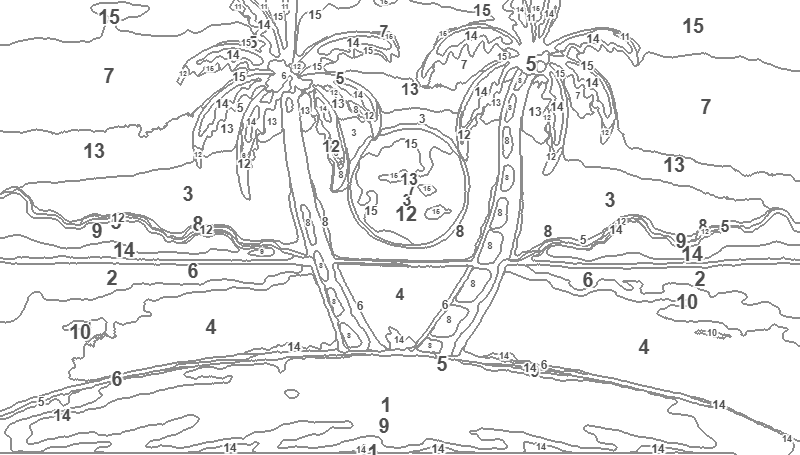
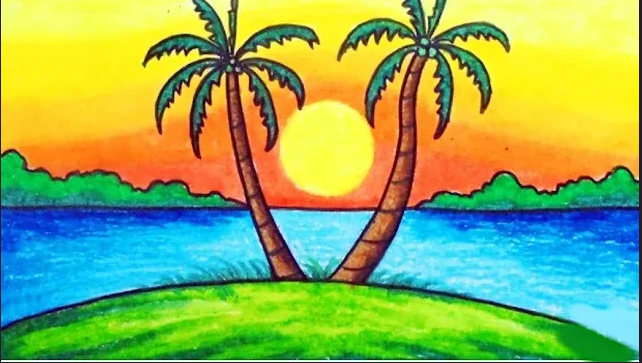
Simple from the first stroke
Three simple steps to unleash your inner artist
Choose any photo from your gallery. Drag & drop or click to upload — PNG, JPG, and WEBP supported.
Pick your difficulty level and choose between 8 and 64 colors for your palette.
Download your numbered template, color palette, and reference image. Print it out and start painting!
The short answer
PaintByNumber.UK converts a photo into a printable numbered outline, a matching colour palette and a simplified colour reference. It works locally in a modern browser, costs nothing and requires no account.
Built for creative flow
Made for everyone, whether you're a professional artist or a beginner
Advanced KMeans clustering in LAB color space with edge‑preserving smoothing to create clean, paintable regions that stay true to your original photo.
Everything runs locally in your browser — no uploads, no servers, complete privacy.
Automatically extracts the optimal color palette from your image. Choose between 8 and 64 colors and get a detailed palette sheet with hex codes.
Download your numbered template, palette, and colored reference as PNG images.
Each region gets a clear number label so you know exactly which color goes where.
One tool, three ways to paint
Find the perfect balance of detail and relaxation
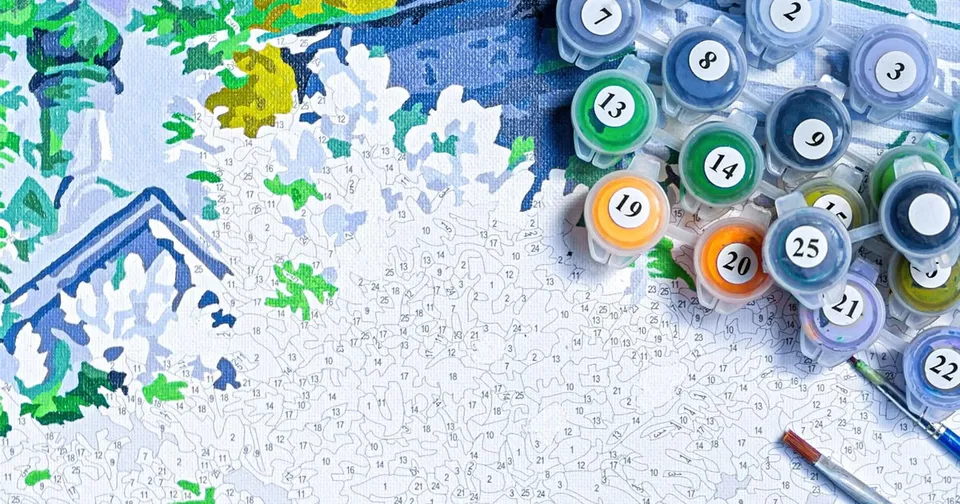
Photo preparation guide
A few quick choices before you upload can create clearer boundaries and a more satisfying painting experience.
Quick answers
Useful details about privacy, file formats, colours and downloads.
Yes. The generator is free to use, requires no sign-in, and lets you download your generated PNG files.
No. Image processing runs locally in your browser, so your photo is not uploaded to a server by the generator.
The upload tool supports PNG, JPG and WEBP images.
Choose any palette size from 8 to 64 colours. Fewer colours create a simpler template; more colours preserve more detail.
You can download the numbered template, colour palette, coloured reference and a copy of the original image as PNG files.